
Download Windows Live Movie Maker – video editing, movie maker, free video editor, photo slideshow, video maker, video editing tool, video creation, video editing software
Overview
Windows Live Movie Maker is a free video editing application developed by Microsoft, designed to help users create engaging videos from personal photos and recorded clips. The app addresses the growing need for accessible video creation tools, especially as digital cameras and smartphones have made media capture more common. It serves individuals seeking a straightforward way to compile visual content into cohesive, shareable movies without requiring professional skills. The target audience includes amateur creators, families documenting life events, educators preparing visual presentations, and hobbyists exploring creative expression through digital storytelling.
Although the developer did not provide additional technical details, the application was released in 2012 as part of Microsoft’s suite of consumer tools. Its purpose is to simplify the video editing process through an intuitive interface and drag-and-drop functionality. Real-world use cases include creating birthday montages, travel reels, wedding highlights, or classroom projects. The app holds historical significance in the video editing ecosystem as one of the early free tools to bring professional-grade features—like transitions and audio integration—to everyday users.
Despite being discontinued, Windows Live Movie Maker remains relevant for users still relying on older Windows systems. It continues to offer a lightweight, no-cost solution for basic video editing needs. The app’s ability to combine media files, apply transitions, and export videos for sharing makes it a practical utility for personal content creation.
Key Features & Functionality
- Drag-and-Drop Media Import: Users can easily add photos and videos to the timeline by dragging them directly from their file explorer, reducing the complexity of importing content.
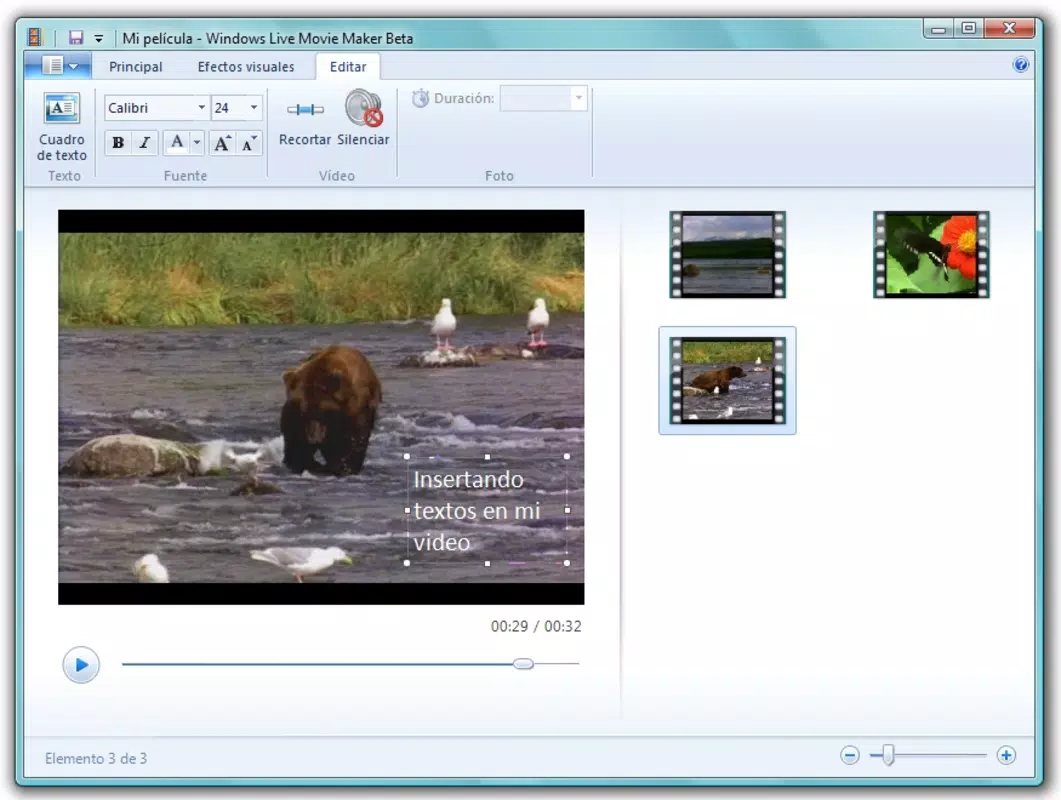
- Timeline-Based Editing: The timeline interface allows precise arrangement of clips and photos, enabling users to reorder, trim, and align media with visual feedback for better control.
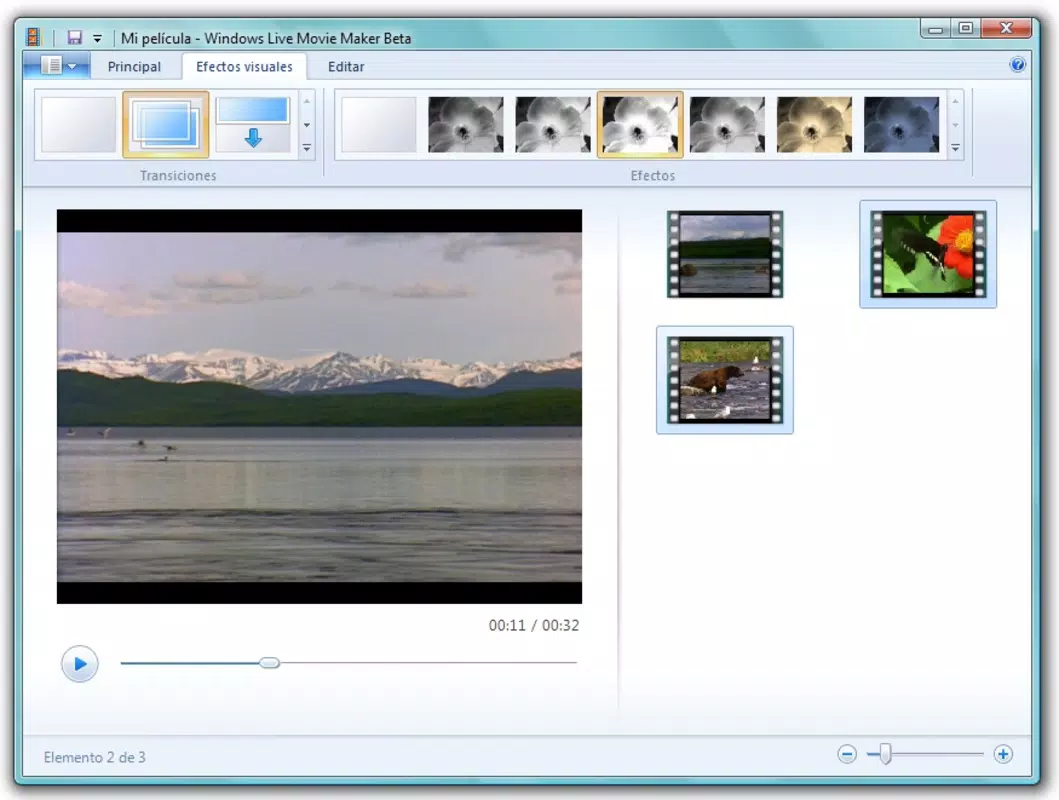
- Transition Effects: A variety of built-in transition effects can be applied between clips to create smooth visual flow, enhancing the overall cinematic quality of the final output.
- Audio Integration: Users can add background music in common formats such as WMA, MP3, or WAV, and include narration to personalize the video experience.
- Direct Sharing Options: Once editing is complete, the finished video can be shared directly via email or social media platforms without requiring additional software.
- Simple Export Functionality: The app enables users to export their projects in standard video formats suitable for playback on most devices and platforms.
These features support real-world scenarios such as compiling vacation footage into a memorable slideshow, producing short educational videos, or creating personalized greeting cards. The intuitive layout ensures that even first-time users can navigate the tool with minimal learning curve. By combining media, applying effects, and sharing results—all within a single environment—Windows Live Movie Maker streamlines the creative process for non-professionals.
Interface, UX & Performance
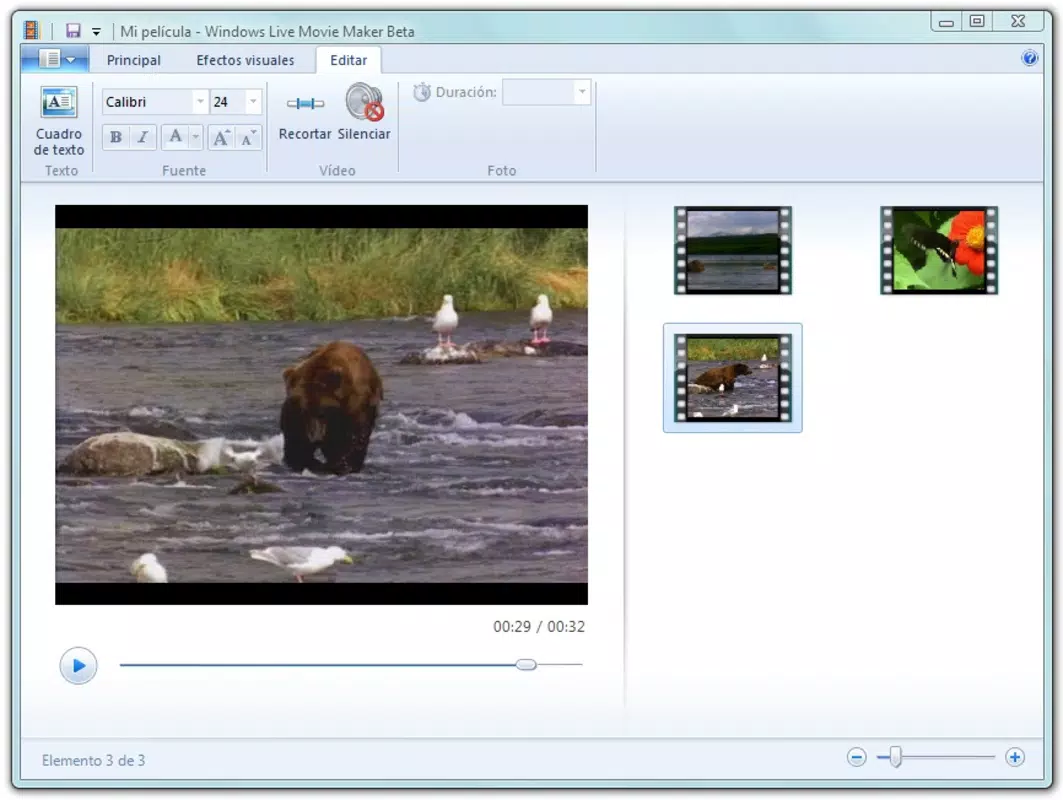
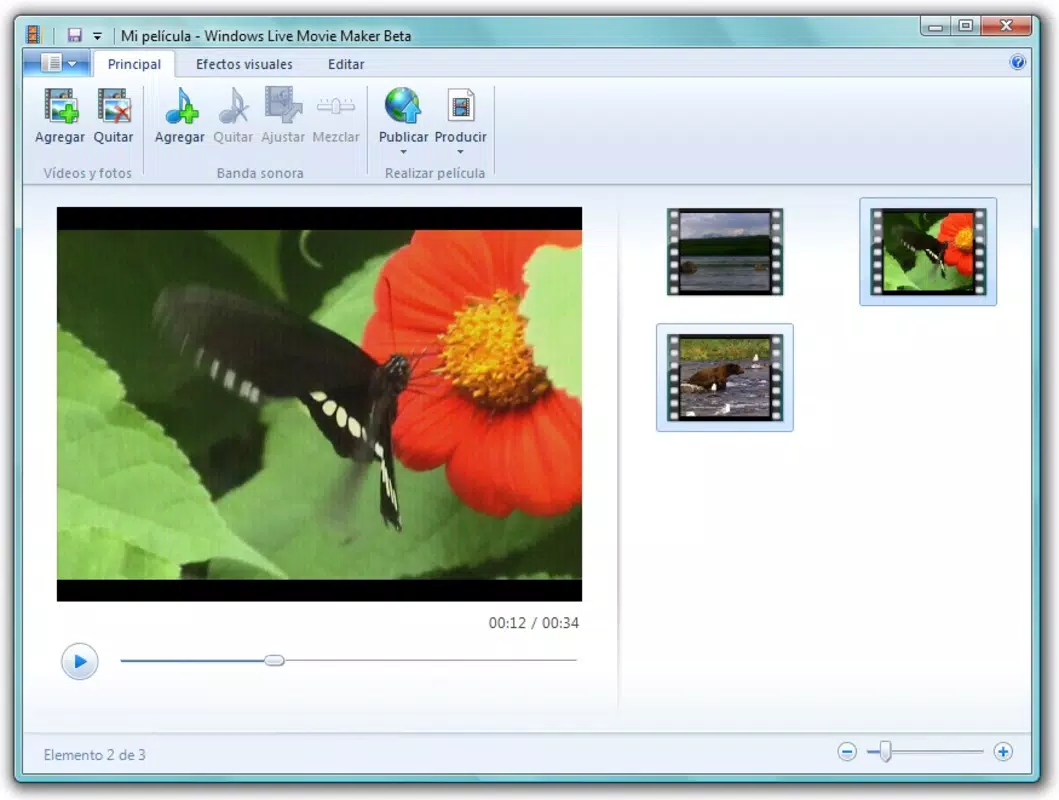
The user interface of Windows Live Movie Maker is designed with simplicity in mind, featuring a clean layout that separates key functions into clearly labeled sections. The main workspace centers around the timeline, where media clips are arranged sequentially, while preview windows display the current frame and playback status. Navigation is primarily mouse-driven, with menus and toolbars offering access to editing tools, effects, and export options.
Although the developer did not list formal performance metrics, the application’s lightweight design suggests it runs efficiently on older hardware. It is optimized for systems with limited processing power and memory, making it suitable for use on legacy Windows machines. Responsiveness is generally consistent during basic editing tasks such as dragging clips, applying transitions, and adjusting audio levels. Stability is maintained under typical usage conditions, though users on newer Windows versions may encounter compatibility issues due to the app’s age.
Overall, the user experience remains accessible and functional for its intended audience. The consistent layout and predictable workflows contribute to a low cognitive load, allowing users to focus on creativity rather than technical complexity. While it lacks modern features like 4K support or AI enhancements, its core functionality remains reliable for foundational video editing tasks.
Platform Compatibility & Technical Requirements
Windows Live Movie Maker is available exclusively for the Windows operating system. It was released in 2012 and is compatible with Windows 7 and earlier versions. The file size is 50 MB, indicating a lightweight footprint suitable for systems with limited storage capacity.
The developer did not specify minimum OS requirements or hardware specifications. Compatibility information was not fully disclosed. As a result, users running newer versions of Windows (such as Windows 10 or 11) may experience installation or runtime issues. There is no official support for mobile platforms, and no version exists for Android or iOS. The app is not available through modern app stores or digital distribution platforms.
For users seeking to install the software, the absence of official updates or security patches raises concerns about long-term safety. It is recommended to run the application in a secure environment and avoid downloading from unverified third-party sources.
Pros and Cons
Pros
- Completely free to download and use
- Intuitive drag-and-drop interface ideal for beginners
- Lightweight file size (50 MB)
- Supports common video and audio formats
- Offers built-in transition effects and audio integration
- Direct sharing options via email and social media
Cons
- Not compatible with Windows 10 or 11
- Discontinued with no official updates or support
- No mobile version available for Android or iOS
- Outdated design and lack of modern editing features
- Security risks due to lack of updates
- Cannot handle high-resolution video formats
FAQ
Is Windows Live Movie Maker still safe to use?
While the app itself does not contain known malware, it is no longer supported or updated by Microsoft. Using it on modern systems may expose users to security vulnerabilities. It is recommended to run the software in a secure, isolated environment.
Can I install Windows Live Movie Maker on Windows 10 or 11?
Official compatibility with Windows 10 and 11 is not confirmed. Some users report successful installation through compatibility mode, but performance and stability are not guaranteed.
Does Windows Live Movie Maker support MP4 or AVI files?
The app supports a range of video formats, including common ones like WMA, MP3, and WAV. However, specific support for MP4 or AVI was not listed in the official documentation.
Is there a mobile version of Windows Live Movie Maker?
No. The application is only available for Windows desktop systems. There is no official mobile version for Android or iOS.
How can I download Windows Live Movie Maker safely?
Users should download the app only from trusted sources. Since it is no longer available on official Microsoft channels, caution is advised when using third-party websites to avoid malicious software.
Final Thoughts
Windows Live Movie Maker remains a notable tool in the history of consumer video editing, offering a free, accessible platform for creating personal videos. While its age and lack of modern support limit its functionality on current systems, it still serves users on legacy Windows environments who need a basic video creation solution. The app’s straightforward interface, combined with essential features like timeline editing and audio integration, makes it a viable option for simple projects.
For those seeking a lightweight, no-cost video editor for photo slideshows or short clips, Windows Live Movie Maker delivers value. However, users on newer operating systems should consider alternative tools with active development and updated security measures. Despite its limitations, the app’s legacy continues to influence modern video editing applications.
Download Windows Live Movie Maker now


